
What TALAAN does.
Five things, done simply.
Checkout that stays out of the way.
Everything a cashier needs on one screen, so the line keeps moving.
- Choices and add-ons, like size or extra rice
- Senior, PWD, Student, Promo and custom discounts. Cashiers get Senior and PWD only
- Save a ticket and finish it later
- Barcode scanning with the camera on Android, and in Chrome or Edge on a computer
- Cash
- GCash
- Maya
- Bank transfer
- QR Ph
TALAAN records how the customer paid. It never holds your money.
Show the customer the order.
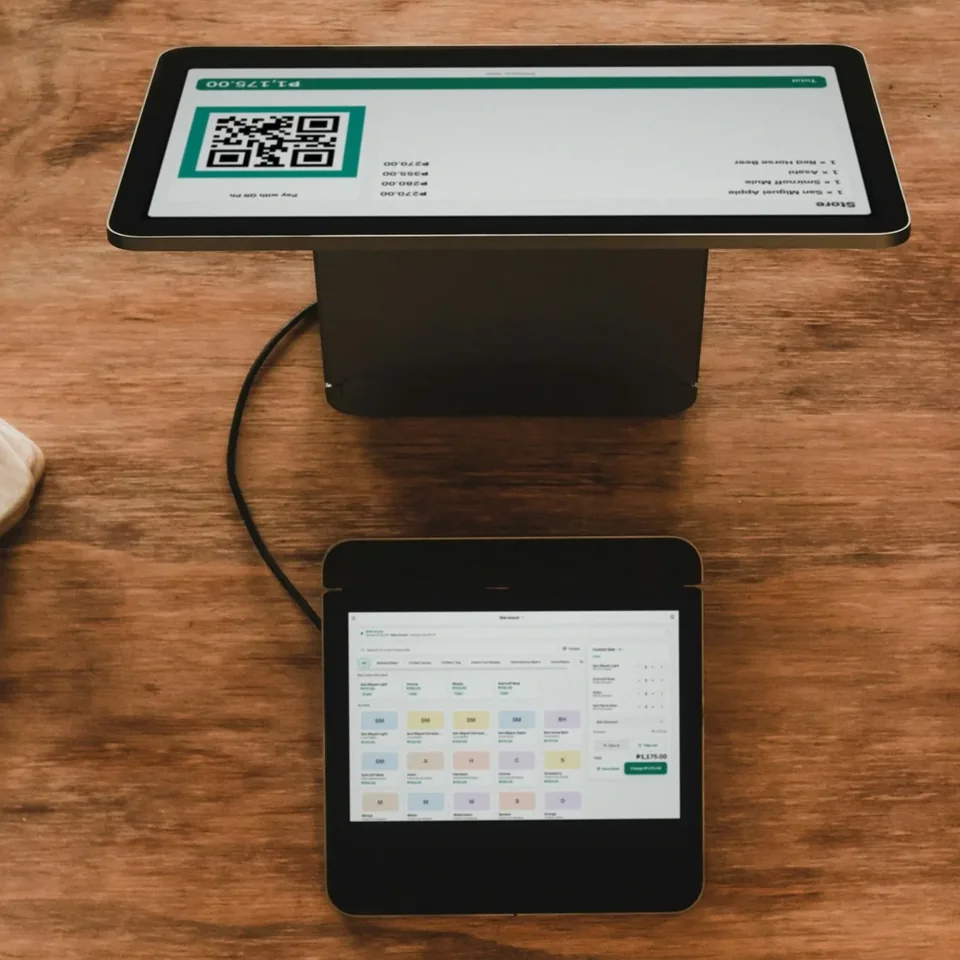
A second screen faces your customer with the items, the total and your own QR Ph code.
- Customer screen on a separate tablet or phone
- Kitchen screen on another device
- Kitchen slip with browser print
Know what is on the shelf.
One catalog for everything you sell. Stock follows your sales.
Products
A photo, a price and a barcode for each item.
Choices
Sizes, milk and add-ons, each with its own price.
Ingredients
List what goes into each item. Each sale takes them off your list.
Inventory
Count what you have. Each sale takes one off. Low-stock reminders.
Your team, on the clock.
Give each person an account. Choose what each one can see.
Roles
Staff see only what their role allows.
PIN switching
Share one till. Switch in with your own PIN.
Clock in and out
Times the owner can see, tied to each person.
Shifts
Cash in, cash out and an end-of-shift count.
Many branches
Run every branch from one account.
Know where the money went.
At closing time: what came in, what went out, what is left.
- Today and yesterday at a glance
- Sales and expenses by day, week or month
- Your biggest expenses, ranked
- Every transaction listed, and export your records anytime
“Left after expenses” is not full profit, because the cost of each item is not counted there.
Try it free.
Free during launch. No credit card.